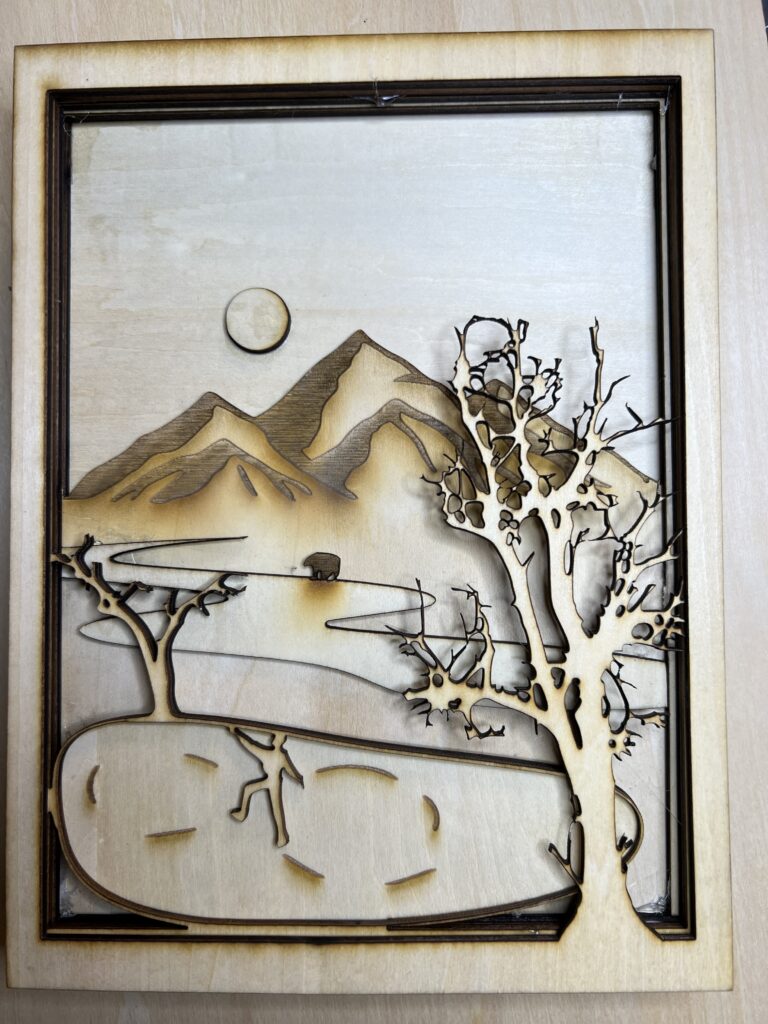
In this assignment you will complete a two sided diorama incorporating contrasting concepts on each side. The composition can be arranged vertically or horizontally, and should be at least 8” x 6” when complete.
Requirements:
- a minimum of five layers. The middle layer/center counts and should be involved in the composition. A “frame” layer does not count as a layer.
- Patterns in a material should compliment the work and contribute to the composition.
- Images can be taken from any scale to represent depth and distance.
- Think of 3 contrasting concepts for each side of the diorama. Simple solutions (you will create better ones!)
- Day & night
- Arctic & desert
- Curvilinear & angular
Part One: From your contrasting ideas select objects that relate and think of them in layers.
- What do you want to represent in this contrast for the viewer?
- Take the images and break them into five or more layers, by distance (foreground, midground, background). The composition should be visually dynamic. How light interacts through the final piece should be considered. Layers in the foreground will cast shadows on those toward the mid/background. Can the backgrounds of each side have the same imagery?
- The materials used for your piece should compliment the role they play in the composition. Be mindful that the materials will need to survive the laser cutting process and being on display for the viewer.
Part Two: Production and assembly.
- Create 2D files from your sketches, working in black and white. One file per layer, saved as PNG files. We will take PNG files, import them in to Lightburn,Links to an external site. and trace the bitmaps to produce the work.
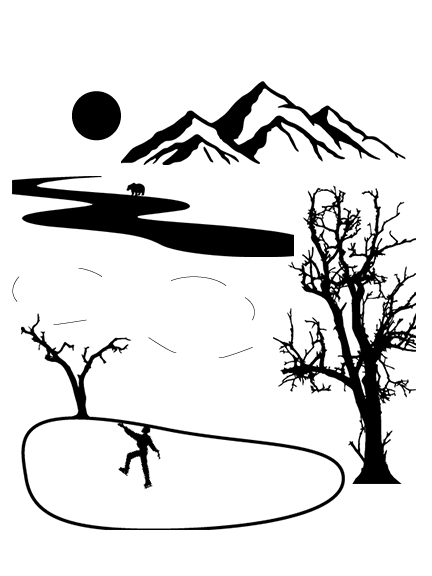
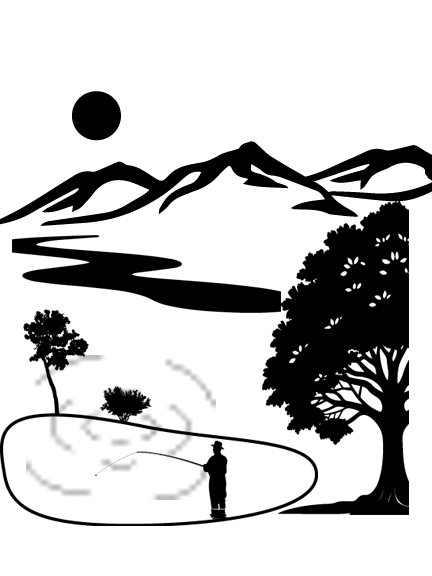
Process and Planning
For my diorama I came up with the contrasting idea of a summer and winter scene. I wanted to picture the same pond frozen vs. not frozen and find an activity to picture in each that goes along with each theme. I thought to make someone skating on one side, and someone fishing on the other side. I also made the trees dead on one side and full of leaves on the other.
Throughout this project I had many challenges. Of course I had the program challenges, switching to lightburn after never using it before was tough at first. I set my files up in a very helpful way as shown on the left to make the lightburn transfer as efficient as possible. I also needed to figure out how to make the pond identifiably different on each side. Through some trial and error, I decided the best way to go about this was to etch on one side and use a whole piece on the other.
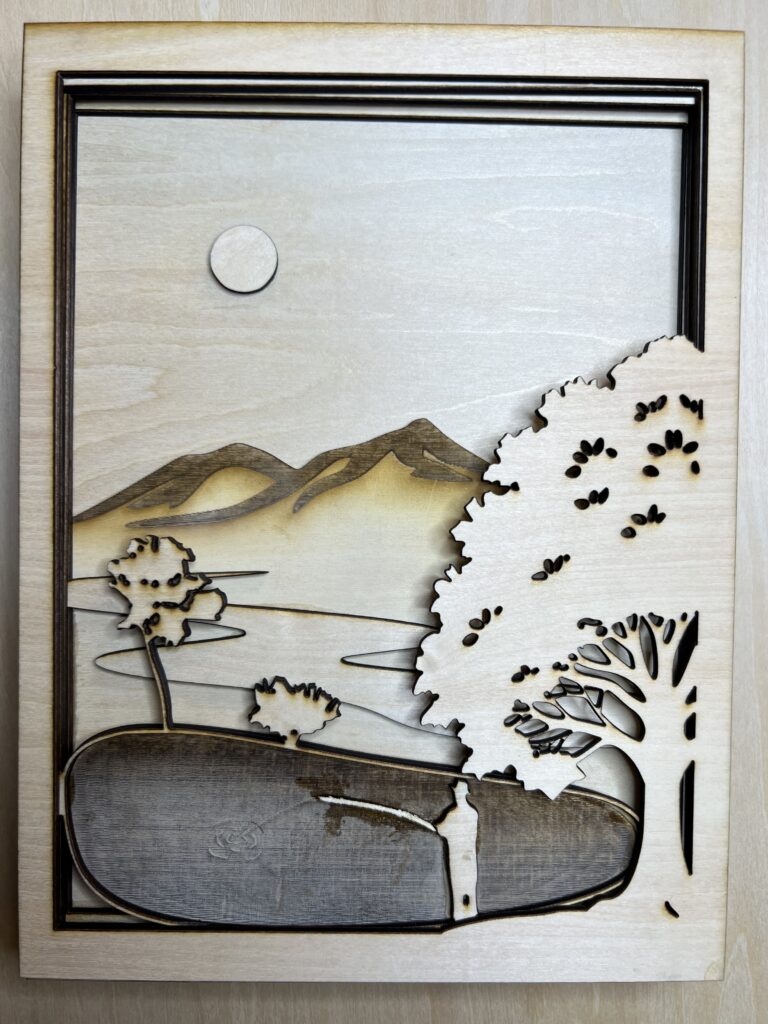
Final Piece
For my final version I decided to go with wood for the medium. I started out with cardboard but ended up having to use wood because of issues with fires. Overall, I love the way that the diorama turned out. I think that there is a great sense of depth in the piece and the balance of both images works very well. I think that I scaled each element of the piece very well, contributing to the depth. The large tree on both feels as if they are popping off the page, and the river on both draw the eye towards the back of the scene. On the frozen side I added a bear in the back of the river to add a small feature that would make the background pop more. The blend of geometric shapes in the sun and the frame plays off of the freeform shapes of the river and tree well which visually enhances the piece. The material of the wood worked very well for this diorama, especially in the pond on the fishing side. The etching technique in the wood brought out the grain of the wood, which created gesture in the area of the pond that looks like waves. I also like how the etching leaves a small stain on the wood surrounding it, which works very well on the mountains. I enjoyed this project, and I had fun experimenting creating depth within the piece.